Chatgpt to PDF
Export Your Chatgpt Chats PDF, HTML, Markdown, TXT and more
Export Your Chatgpt Chats PDF, HTML, Markdown, TXT and more
Chatgpt to PDF offers a range of features designed to make saving web content easy and efficient.
PDF, MD, HTML, JSON, CSV
Export your content in your preferred format with just one click.
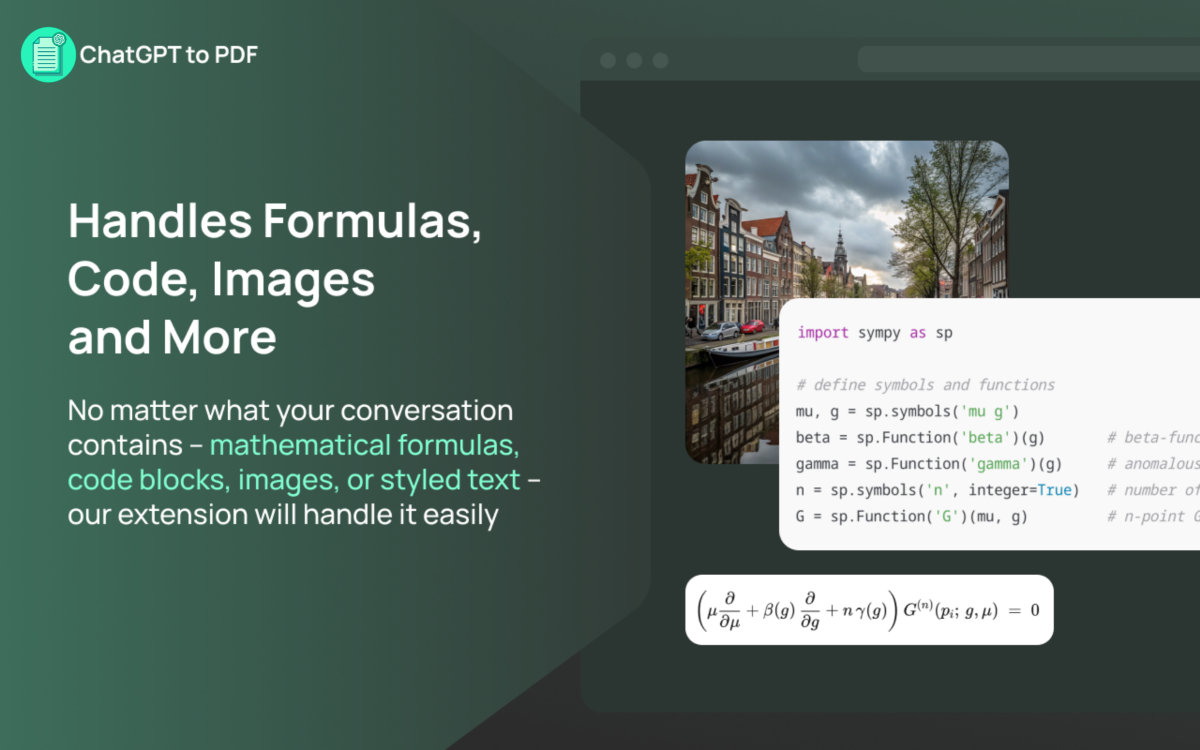
Syntax Highlighting & LaTeX Support
Maintains the original formatting perfectly.
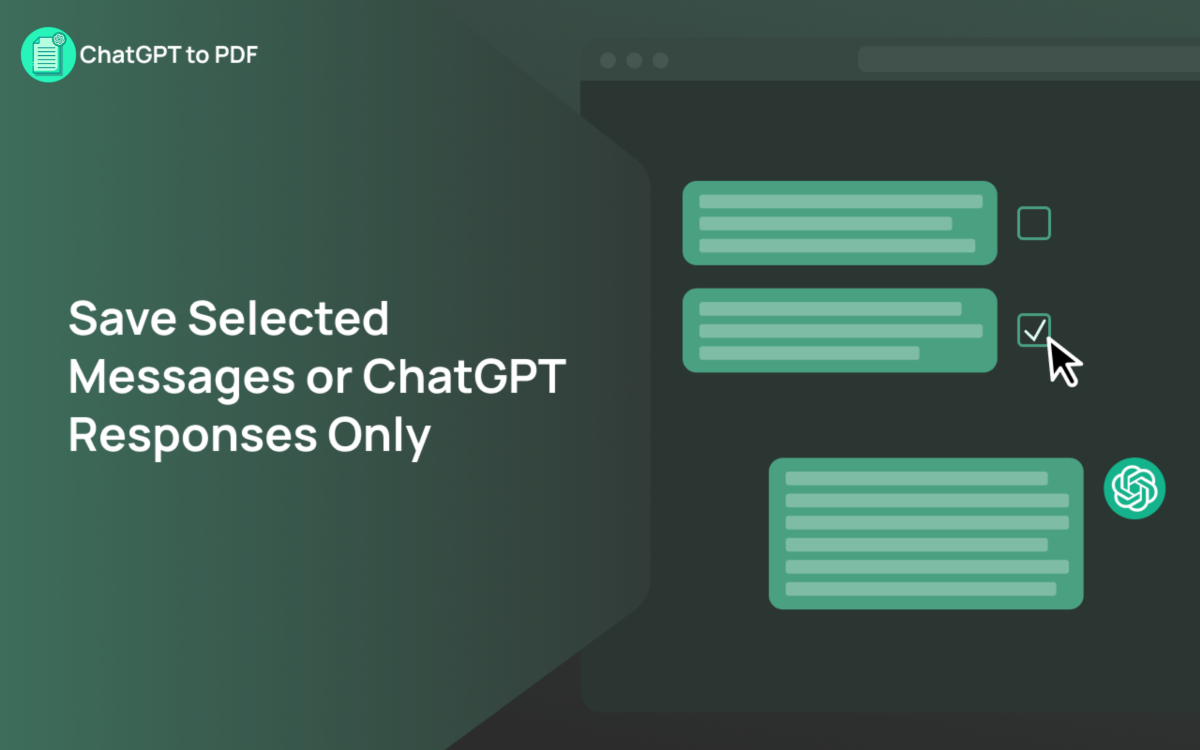
Choose Specific Messages or Entire Chat
Export only what you need, exactly how you want it.
100% In-Browser
No data is ever sent to external servers.
Matches Chatgpt's Interface
Exports match the theme you're using.
Includes all images and media from your chat
Perfect for preserving visual context.
Three simple steps to convert any web page to PDF with Chatgpt to PDF.
Add Chatgpt to PDF to your browser from the Chrome Web Store if not already installed.
Navigate to the Chatgpt conversation you want to export.
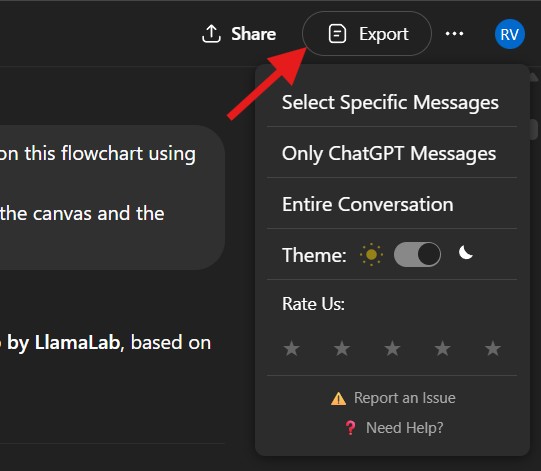
Choose your preferred theme and export options, then click export.
In the new tab that opens, click the "Save as PDF" button to open the print dialog.
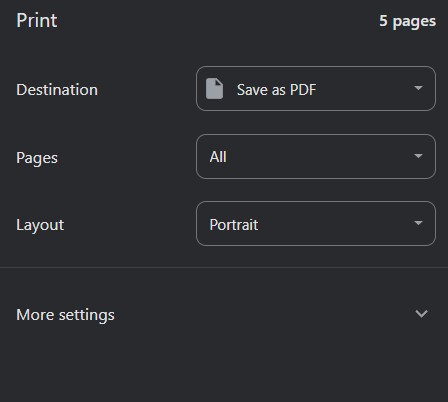
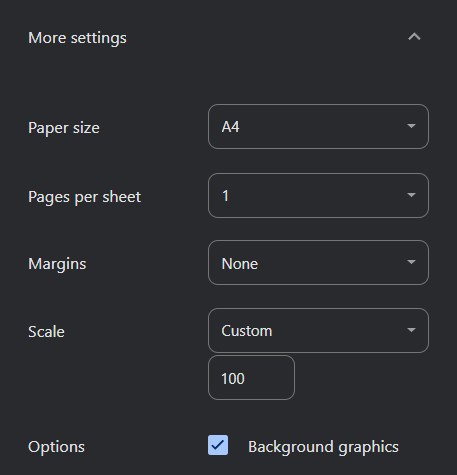
Once you have configured your settings, click the "save" button to finally generate your PDF.
Find answers to common questions about Chatgpt to PDF.
Secure Free Instant Installation